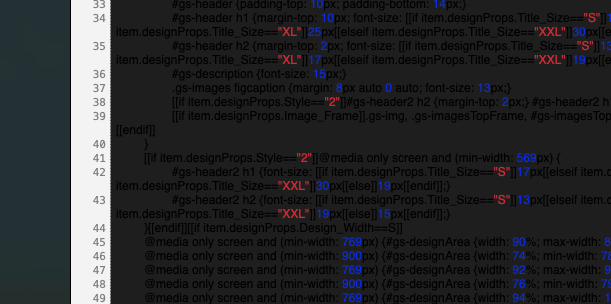
I have my Mac set to turn to Dark Mode after sunset. Design Utility doesn’t appear to like Dark Mode - black text on super dark grey background- I can’t really read it.  Without changing my system settings, I could not get DU to display in light mode.
Any known workaround for this beyond switching my system to light mode?
Hi,
can you try the following version:
https://downloads.iwascoding.com/downloads/DesignUtility_5.0.3.dmg
Regards,
Paul
1 Like
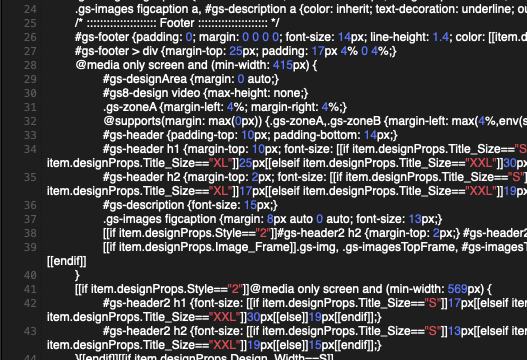
Just gave it a go - works in light mode and I switched my system settings to dark mode [it is still a few hours before sunset] and yes! Looks good! Thank you!  Happy New Year to you and all the GS Devs!
2 Likes
This topic was automatically closed 10 days after the last reply. New replies are no longer allowed.