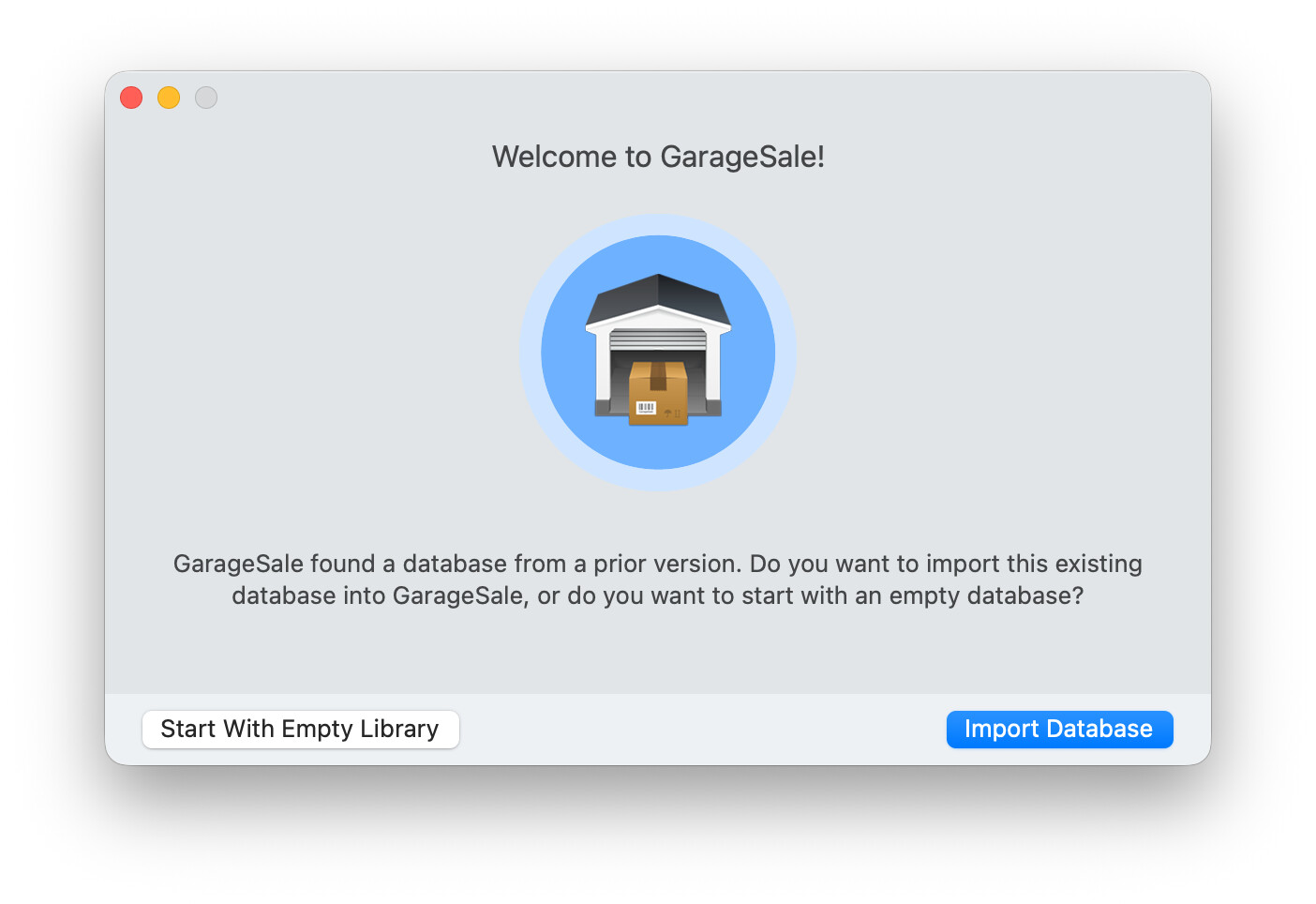
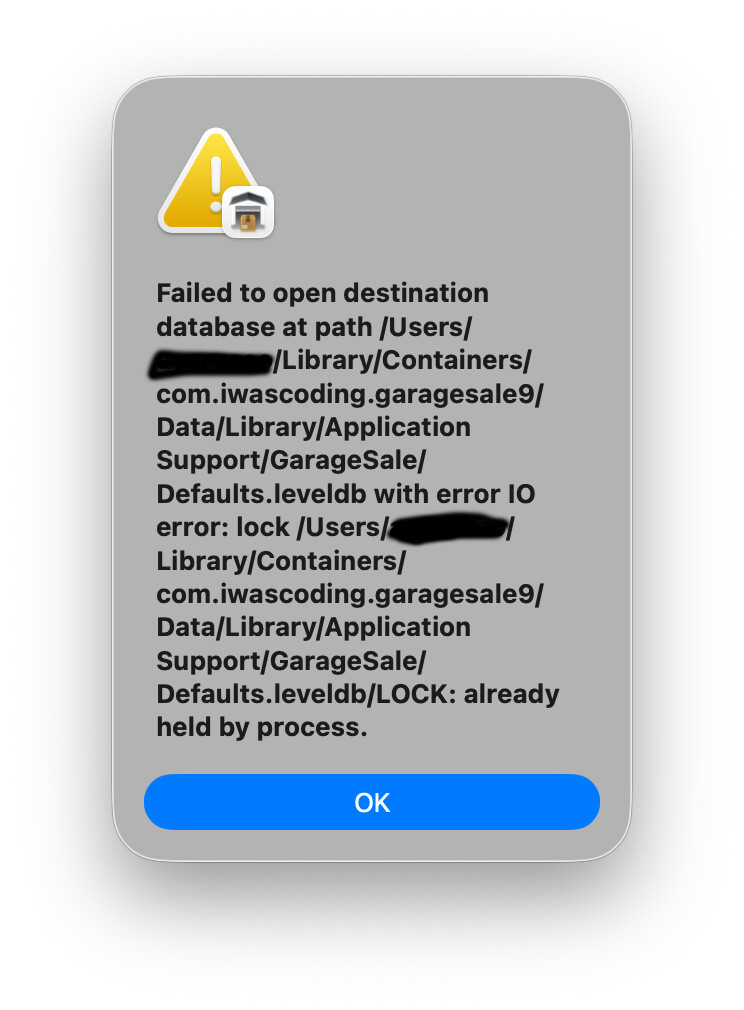
I’m using GarageSale 9 (with a Pro subscription) and I am attempting to copy over my settings and database from a backup, as I needed to wipe my macOS install and start anew. Before I did this, I made a backup of my machine.
Once I setup a fresh copy of macOS Tahoe, I downloaded GarageSale, installed it, and then copied the ~/Library/Containers/com.iwascoding.garagesale7/ directory to the same location on my fresh macOS install. I then launched GarageSale, and it prompted me to import the database from an older version.
I tried copying the containers directory again, but still receive the above error. I then copied the copy of the app from my backup and replaced the copy of the app that I downloaded, thinking that it wouldn’t have to “import” the database from an older version since I’d be using the same exact version of the app. Unfortunately, that did not work either, resulting in the same error.
For me it seems your old GarageSale 7 database got corrupted and therefore can’t be imported, unfortunately.
Are you really sure you want to import an old database from GarageSale 7 or do you actually want to import your current database from the most recent version GarageSale 9?
If you really want to import an old GarageSale 7 database, try to start GarageSale 7 on the new Mac/system to check whether GarageSale 7 actually is able to open the transferred database. If not, it most likely is corrupted.
I am running GarageSale 9, the directory name is presumably from when I first installed the app several years ago. I even tried copying the GarageSale 9 app over, but it still won’t import the data without that error (it does import some percentage of it, but it’s obvious looking at my listings that some are missing, and it’s hard to know exactly what’s missing without going carefully through them).
I’m not sure what’s triggering it to “import” the data, versus just using those files in place, since I was already running GarageSale without issues. I don’t know if there are more files I need to copy over to prevent this from happening.
It would be a big loss to setup any of the missing listings again, so I’d really like to avoid doing so if I can. Also happy to provide the database to you if there’s not a simple solution, maybe you could more easily determine what’s happening by looking at it.
If GarageSale 9 doesn’t find a GarageSale 9 database on launch but a database from an older GarageSale version, the “Welcome to GarageSale” window appears asking you to import that older database (or start with an empty one instead).
What you probably want to do instead is to transfer your current GarageSale 9 database from your old Mac/system to your new Mac/system.
To transfer your GarageSale 9 database folder from one system to another system, you just need to locate and then transfer the database folder called “com.iwascoding.garagesale9”.
Please see FAQ #29 (and #30) how to locate the GarageSale 9 database folder.
Before transferring that folder to your new system, you should first check whether a GarageSale 9 database folder has already been created. You have to remove that one first.
Thank you, that’s much clearer – those Containers in the ~/Library directory are really odd – it looks like the actual filename can be hidden with an alias, resulting in MULTIPLE directories with the same visual name – I had two, one for GarageSale 7. and one for GarageSale 9. I deleted the 7 directory and copied the GarageSale 9 directory over (after deleting the earlier one I had copied, since that resulted in a conflict of a preference file when I tried copying over the 9 container). I then launched GarageSale, and it came up without any issues, and with all my data.
Thank you for your help, I appreciate it. I’ll make sure to look at the FAQ next time, FAQ #29 was very thorough.