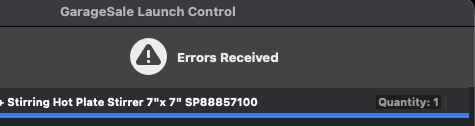
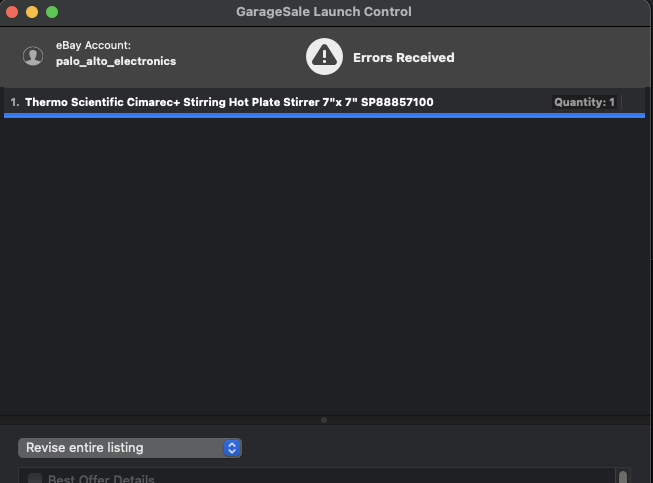
I tried to google the problem and couldn’t find anything, and searched in the forum here but I only found someone reporting this error when they were trying to upload images.
You already refreshed your eBay access token, right?
Yes
Also, are you using the latest version of GarageSale, version 9.9.4?
Yes, 9.9.4.
Does it make a difference if you switch to another image service in the GarageSale preferences > eBay > eBay Images?
The only other image service available by default is GarageSale (free one), and if I select that, I get the error: ‘“GarageSale’s Free Picture Service does not support “Good 'Til Canceled” listings.”
Edit mode it doesn’t let me change the duration from “Good 'Til Canceled to a shorter period, that must be an eBay limitation once a Buy It Now listing has started, because I couldn’t change it on their website either.
Refreshing eBay access circle went smoothly, no errors.
Standard Internet connection, no VPN, proxy server, or network utils.
Only some listings give this error when update them. Some others updated fine. I can’t readily see anything that’s different about these though, all my listings are buy it now with about the same number of images.
Occasionally I’ll get an odd error (though not this very vague one) when the Categories need to be downloaded again. Usually the actual message is something like “Condition is required” despite the item being in a category that does in fact include Condition.
If I manually update the Categories, this particular flavor of error usually disappears once I have deselected and reselected the item to be verified.
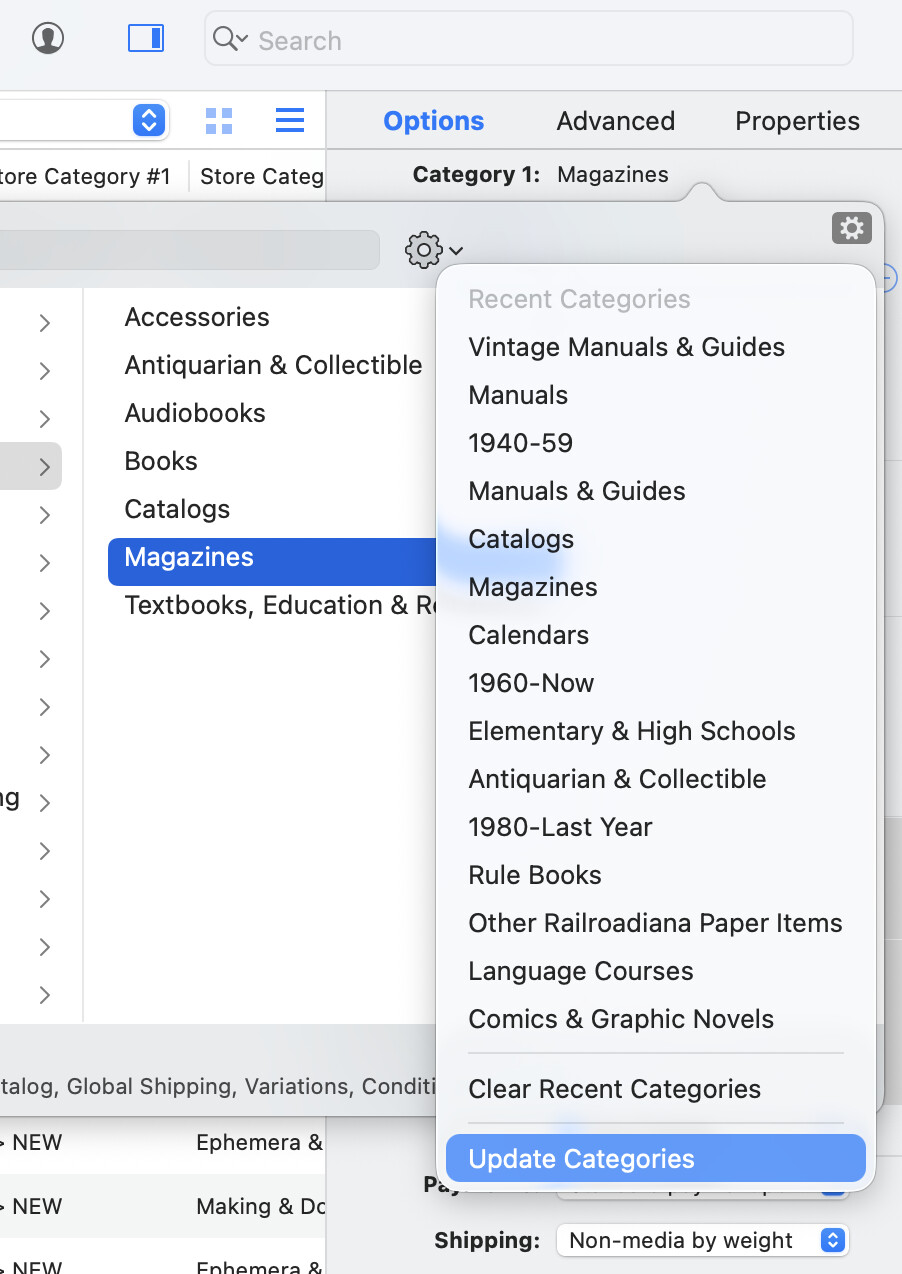
“Update Categories” can be found under the gear dropdown inside the Category selection popup for an item. Probably five other places in the interface I don’t know, too
It does bring up the question: Do the same listings always have this error, or does it come and go when you attempt to list them again? Some days eBay has borked only one of their verification servers, out of five or six, and when that happens a random 1/5 or 1/6 of my listings will just fall down with no explanation.
I solved the lack of error message problem: although no details are given in the Launch Control dialog, I noticed that there is an exclamation mark at the top of the main app window:
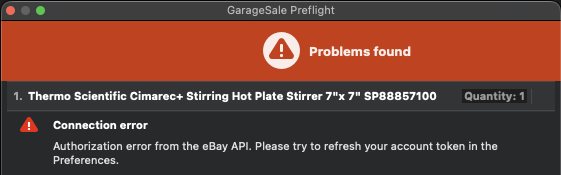
If I click that, I did get the error diagnostic: “Authorization error from the eBay API. Please try to refresh your account token in the Preferences”.
Which is odd because I was sure I had done that, but when I did it now, it did require a login. And now “revise listing” works. So that must have been the problem.