Dear GarageSale Users,
Beta 5 version of GarageSale 10.1 is available from this URL for you to evaluate and provide feedback on:
https://downloads.iwascoding.com/downloads/GarageSale_10.1b5.dmg
What’s new in GarageSale 10.1
What’s new in Beta 5
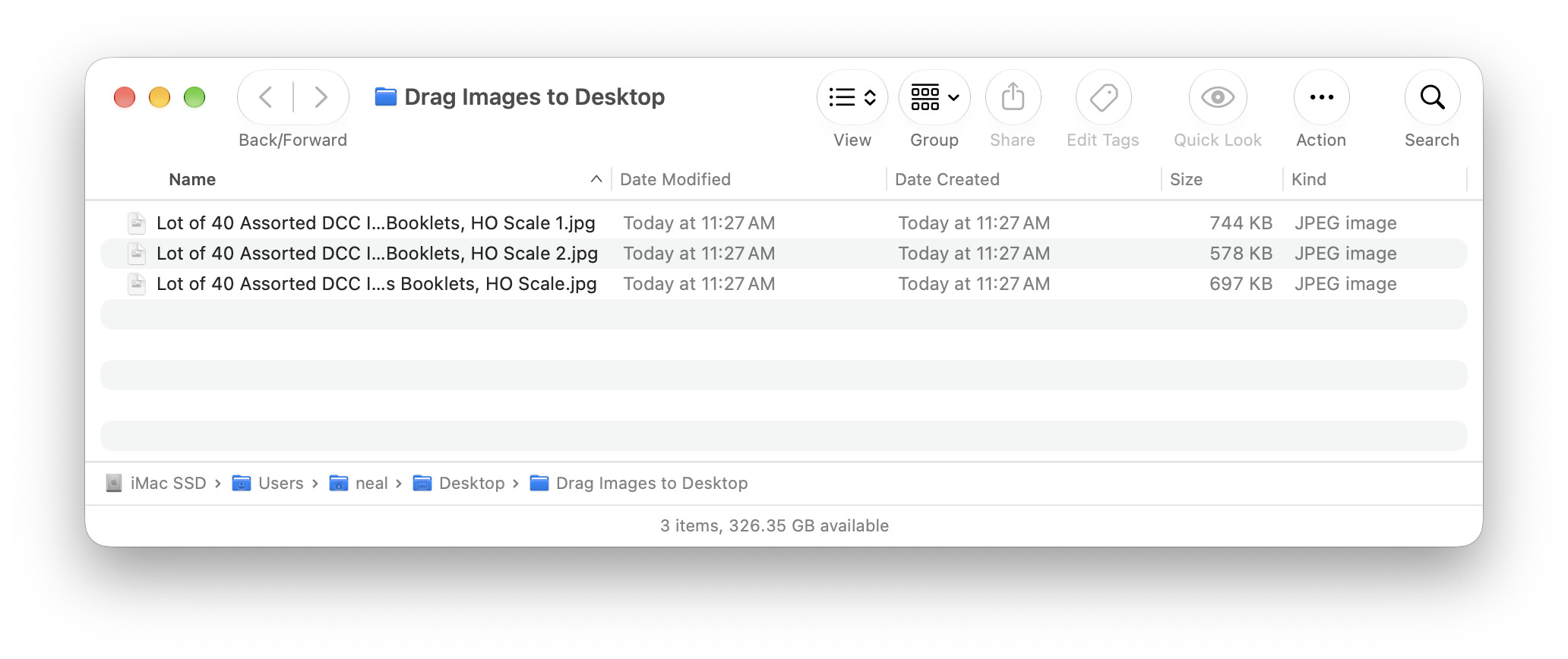
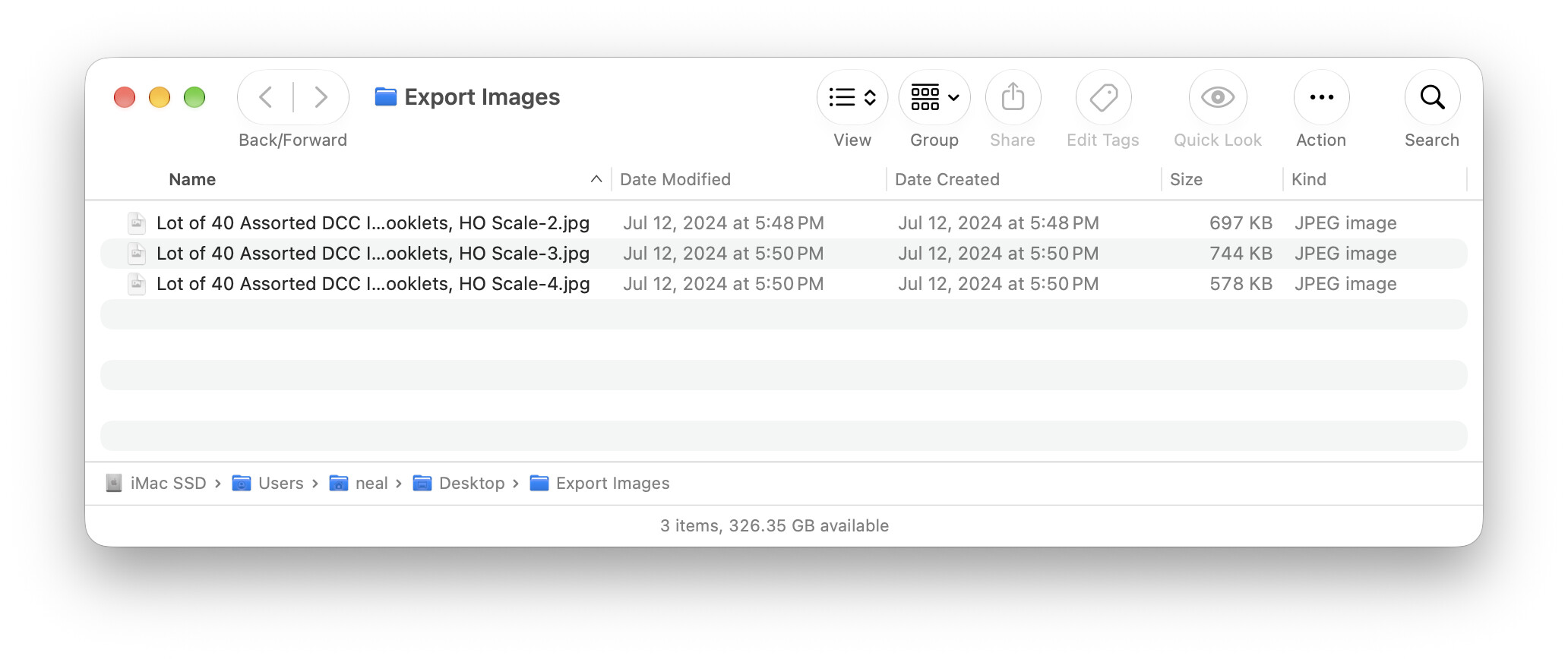
- Export images command: added option to only export first image of each selected listing, always included image index in file name
What’s new in Beta 4
- the new ‘Export images’ command works for multiple listings, users can select naming scheme (listing name/SKU) for exported files
What’s new in Beta 3
- you can configure what fields are exported when exporting orders to CSV, also these configurations can be saved and restored
What’s new in Beta 2
- editing of ‘Condition Description’ for multiple listings at once works in more cases
- fixed size/location restoration of ‘Send Offer to Watchers’ window
What’s new in Beta 1
- new smart group rules for domestic and international shipping services
- field configurations in the ‘CSV Import Panel’ can now be saved and restored
- added ‘Condition’ column to Listing overview table
- listing and inventory item titles can be edited in image overview mode
- grouped sorting commands in Listing outline view
- added ‘Export Images…’ command to image context menus and ‘Listing/Images’ menu
- when dragging images from Editor mode, resulting file names start with listing title
- added ‘Private Listing’ as an option to the field list in Revise Item panel
- Listing section: added ‘High Bidder ID’ column to overview table
- Orders section: ordered items can be sorted by name, SKU, and price from items table context menu
- Orders section: added ‘Buyer Account’ column to overview table
- Orders section: improved performance when selecting large number of orders
- fixed hang when Spelling panel was wrapping around in Preview web view
- fixed Inspector show/hide bug on macOS 27.2 Beta
- some synchronization errors are no longer blocking GarageSale
Thanks for using GarageSale,
Kristian, Paul, and Ilja