Trying out the Group-associated Scheduler system in GS10 for the first time today, and I have a couple of notes:
Could we get a helper text next to the “minimum interval between listings” because from here I don’t know if it’s minutes or seconds…
Based on my typical workflow, I’m making listings in the morning and want to launch them later in the day (usually long after I stop paying attention). But I also have a lot of days when the number fluctuates. Might it be possible for me to block out a time window later in the day (which already works) but then drop N new listings into that group, and have however many that is automatically be spread out to fill the time period specified? In other words, if I specify a 2-hour period, and there are 17 listings there when things launch, could it be arranged so they automatically try to launch every [does some bad arithmetic] 7 minutes? And the next day when I only have 5 in a 2-hour block, those go every 24 minutes?
I do understand that if somebody drops 10 new ones into a folder in the period when launching is happening, this might mean recalculation happens. Which would be… fine, I think?
Is there an order specified for the launches? Title? The sort order of the group in Listings view? Something else?
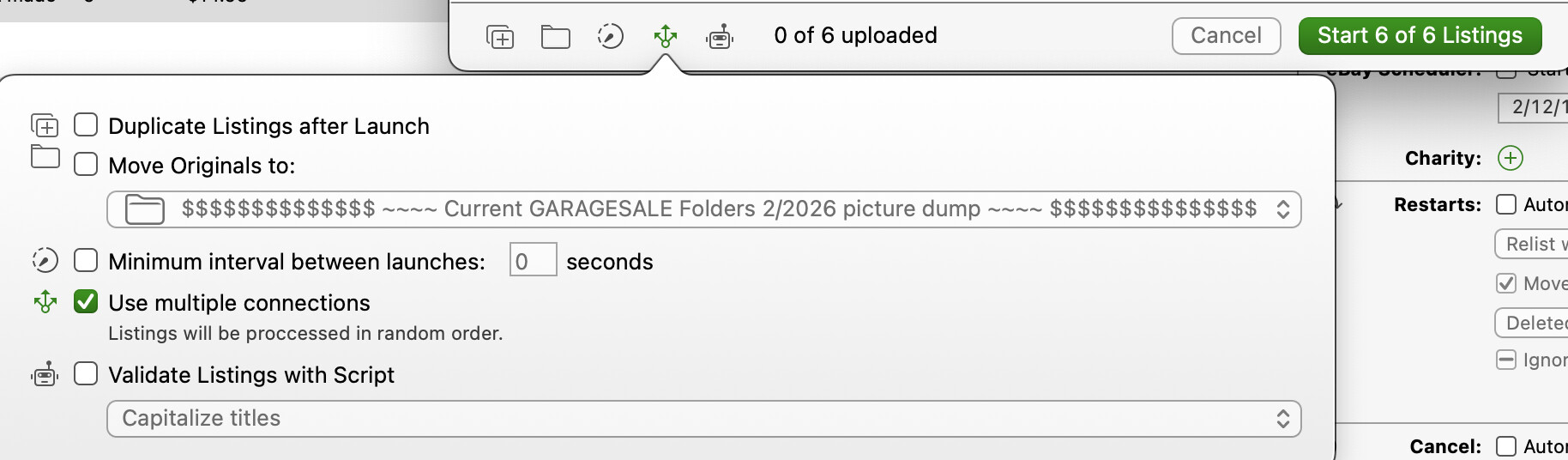
I schedule early (3 am) so the traffic at ebay should be low. I get mixed results from 30 done in 4 minutes to 30 done in 8 minutes. At 7 am when people start printing shipping on the east coat my times go up to 2 or 3 a minute. I can only speculate why. Giving the variability on connections this would result in a wide rage of times. I notice that they go on ebay in batches of 3 before they go live at once on GS. I suspect that is because I have checked “Use multiple connections” with the note “listings will be processed in random order”
One or both of us is confused, because I’m also looking at 10 beta 6
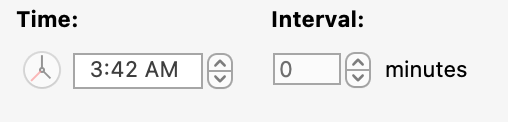
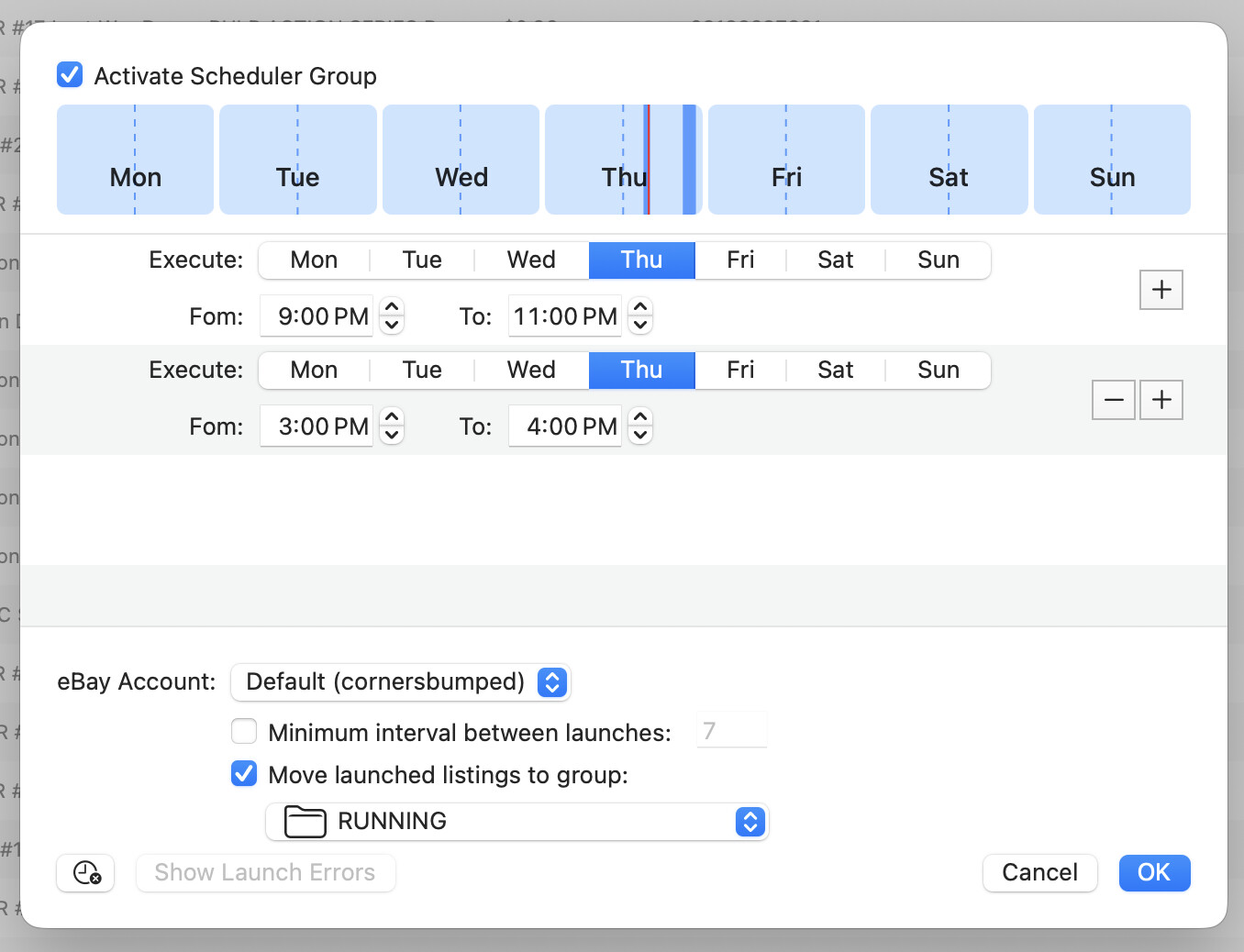
Your screen cap looks like the standard scheduler interface. I’m talking about the new one you get when you right-click on a folder/group in the Listings view, and select the new interface for making a folder into a permanent launch source.
Has days across the top, and asks when you want to allow automated launches?
@ilja A couple of more significant UX bugs found in “Activate Scheduler Group”:
Unchecking “Activate Schedule Group” in a folder where there are items already being uploaded does not stop the upload process. They continue as scheduled.
Changing the start time so that the current time is no longer inside a scheduled launch period also does not stop the process (at 6:30am I changed the start from 6am to 7am, and things kept launching as before).
The “Minimum interval between launches” is apparently ignored if changed after started. Also, this is apparently seconds, not minutes?
Since these don’t turn up in the standard schedule view, and the settings in the popup aren’t consulted after launch, there seems to be no UI to inspect the scheduled items, or adjust them
I do really like the new interface quite a bit, but it needs to be at least as reliable and responsive as the other scheduling systems.
I hope Beta 8 addresses most of the quirks you reported.
I’m scratching my head on how the spreading feature might work. Not sure how to deal with multiple time slots in a group, or when the number of listings saturates a given time slots.
Listings should be processed in the order of appearance in the group.
Honestly the flexibility of the little schedule windows within each day is enough! I can just make them small, and saturate those intentionally, and have 10-20 listings pop out each day in the appropriate time, leaving the remainder in place when the window closes, and it’ll be fine. This has a lot of potential as it is, thanks!