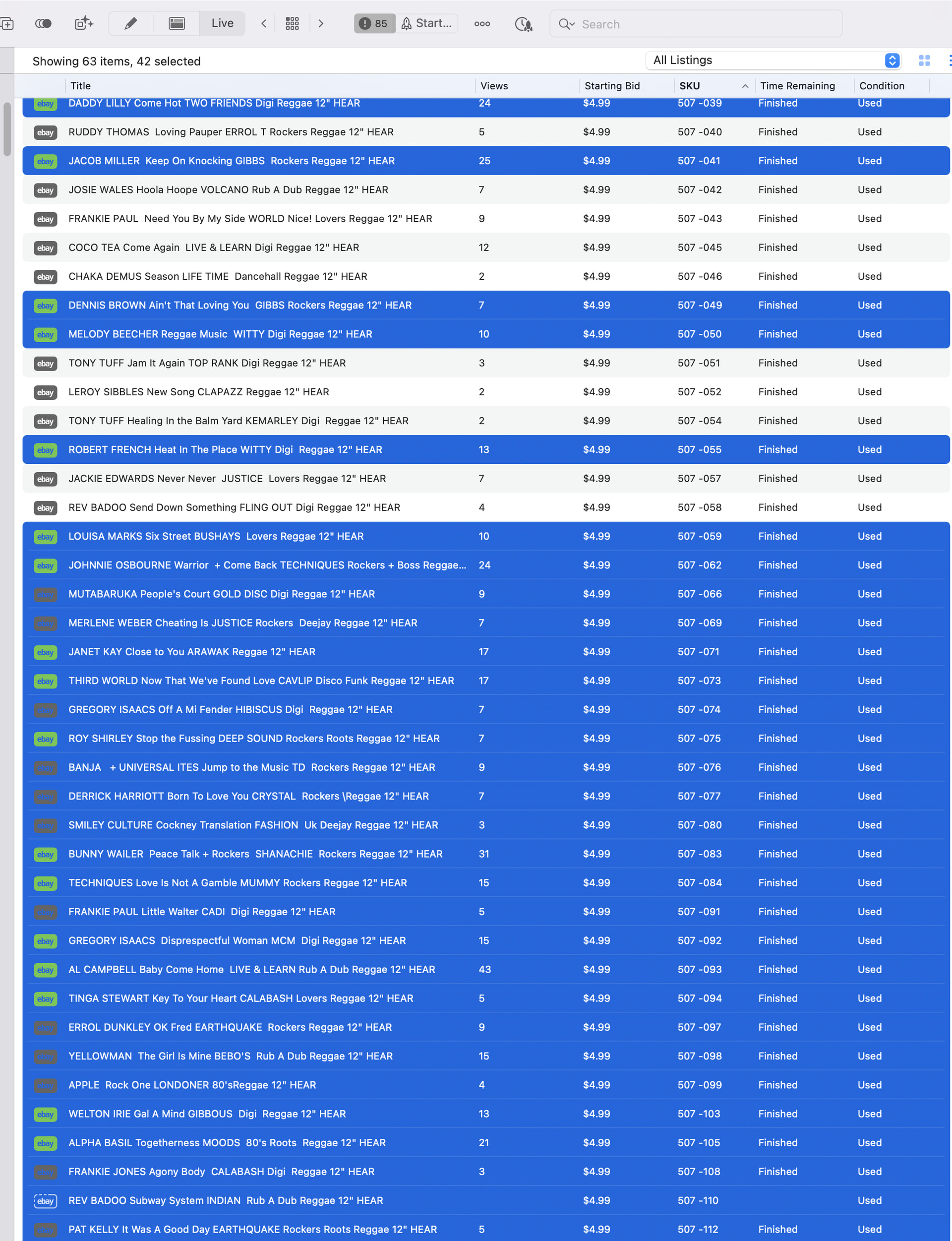
PLEASE make a feature that selects all sold or unsold listings. PLEASE.
When you are updating your inventory there should be no need to manually select items 1 by 1 and then bulk delete them.
At the top of this screen there should be a select all sold or select all unsold for each folder. You should be able to select all with 1 click.
This is a long overdue addition to garage sale and surely would help everybody using this program.
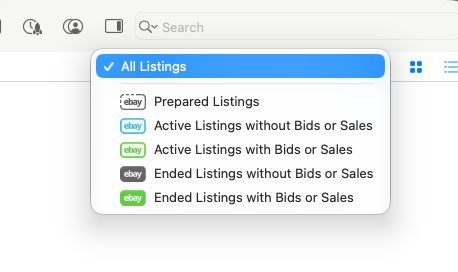
You could use the “All Listings” menu to filter your listings. Does that maybe already work for you?:
1 Like
It would be better if they could stay highlighted when you switch from 1 filter back to all listings. the thing is there are always items that sold but were never paid for so they apppear as sold. the work flow would be really easy either being able to see the full list and being able to highlight only certain a certain filter or being able to see certain filter, highlight all, and still have them highlighted when you go back to all listings.
1 Like
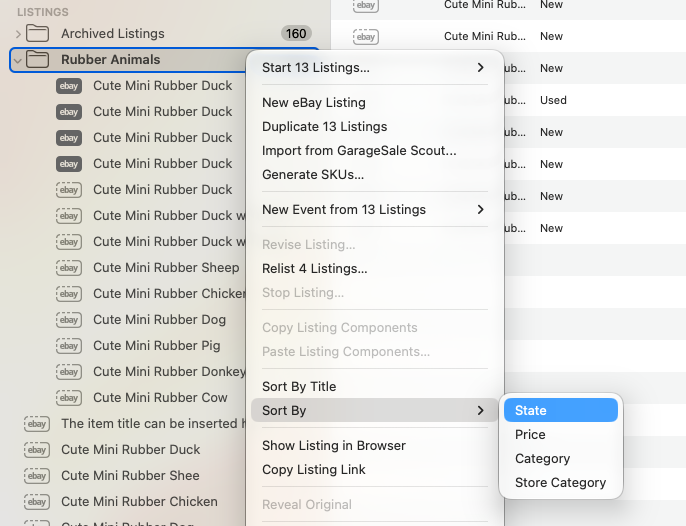
There might be another way for easily selecting certain listings by state:
You mentioned you work with folders (groups). So, what you could do is to right-click on the group in the outline view and then select “Sort By > State”. This way all items inside that folder are sorted and you can easily e.g. just select the “unsold” listings by clicking on the first unsold one at the top, holding down the Shift key and then clicking on the last unsold one at the bottom. This way you just need two clicks to select all unsold listings.
I’d also like to take this opportunity to mention “Smart Groups”. They allow you to create groups with certain rules, e.g. to only show sold, or unsold listings. More about smart groups in this help chapter:
I suspect the request is for a division of SOLD/UNSOLD
At the moment the items:
- with bids
- awaiting listing
- Finished but unsold
are correctly treated differently. The idea is for these all to be bundled together as UNSOLD. Basically, it is anything that is not marked SOLD.
I know it can be worked using smart groups but I agree it would be a great addition to the drop down status list.
Regards David