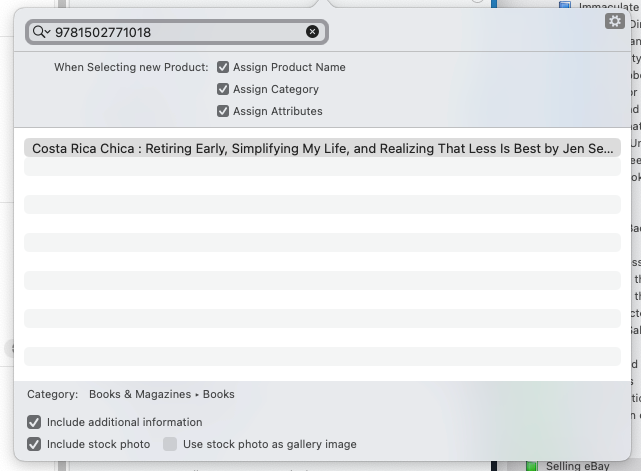
This has bugged me for a few years now, but not enough to really affect my listing. But with this month being my slow season, I figured I would ask - the check boxes at the bottom [which are never auto-check marked], never work for me. Books and media [magazines, books, DVDs, Blu-rays, CDs, tapes, audiobooks, etc, etc]. No “additional information” is ever added to a record [the same specifics are shown on an item whether that is checked or not] and I never have seen any stock photo or any photo of any kind be added to my listing unless I do it manually.
How are these features supposed to work? I have a barcode scanner and scan an ISBN into the search field as the screenshot shows. An item pops up, and I double click on it. Item Specifics are auto populated as well as the title. This happens regardless if those 2 items I am asking about are checked or not.
Using GS 9.9.2 under macOS 14.7.5
Thanks!