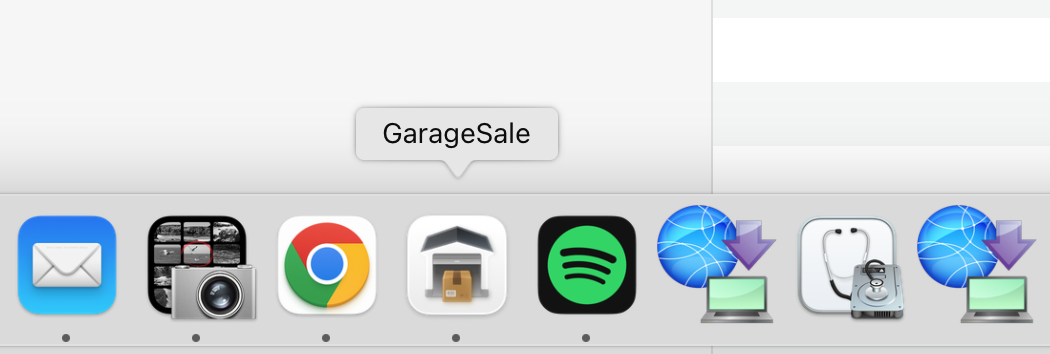
Hi GS Team
After upgrading to the latest version
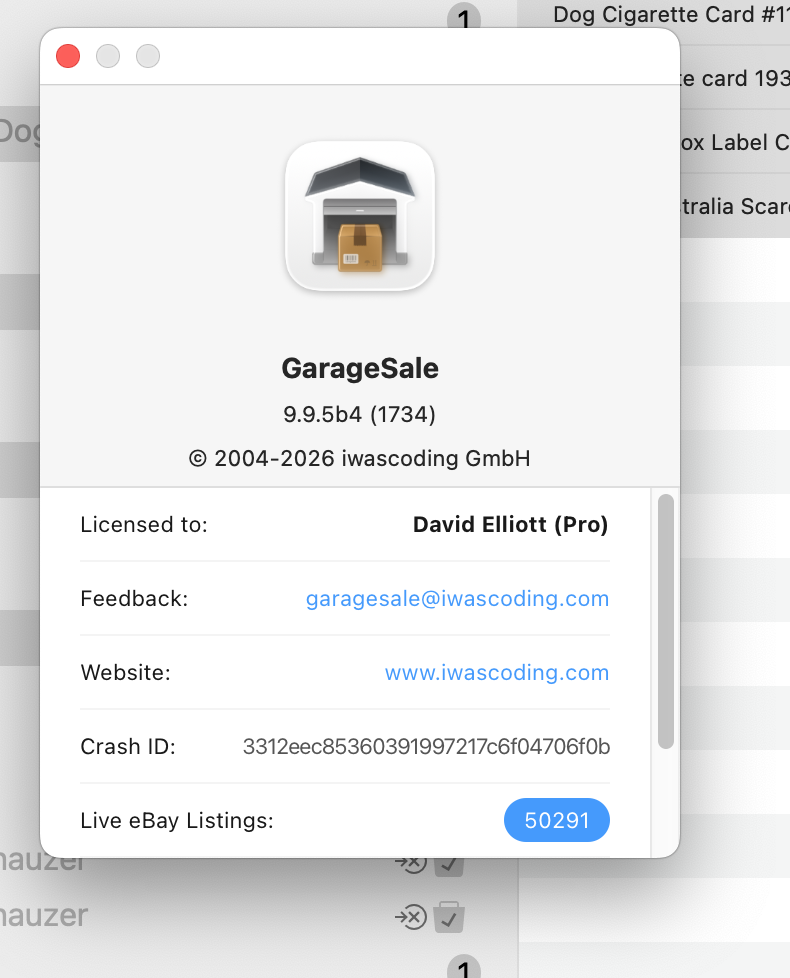
The icon in the Dock has changed yo a white background.. Not sure if it was intentional or something I have done, but it is much harder to see now.
Hi GS Team
After upgrading to the latest version
The icon in the Dock has changed yo a white background.. Not sure if it was intentional or something I have done, but it is much harder to see now.
This is due to the new design scheme for app icons in macOS Tahoe. The app icon for GarageSale 10 will most likely be updated anyways.
If one wants to restore the old icon, just download an older version, get info on it via command I, click on the icon in the info inspector, hit command c. Then open get info for the new version, click on the icon and command v.
Thanks Kristian. Wonder why it is only GS that is affected.
vjl. Pointless doing that. It is really up to the GS team to sort out and they have said that a fix is coming.
David
I didn’t see any mention of a fix, that’s why I said the copy/paste method can be done to return the icon to the older version. If anything, from screenshots I’ve seen, macOS 26 just has harder to see icons in general…not much they can do to change liquid glass.
This topic was automatically closed 10 days after the last reply. New replies are no longer allowed.