I recently did something foolish to my Store Category tree, which is irritating but not a huge problem. But when I added subcategories on eBay, then loaded the new category tree in GarageSale too quickly, items that were in the old root category now have no Store Category selected.
I thought maybe I could simply build a Smart Folder to search for things that were broken in this way, but no! Apparently the listings where this happened do have a Store Category set, it’s just not a valid one by number (not a leaf of the new tree). And I also cannot search for listings with the old Store Category set, because the Smart Folder filter Primary Store Category is… won’t show something that isn’t on the tree either.
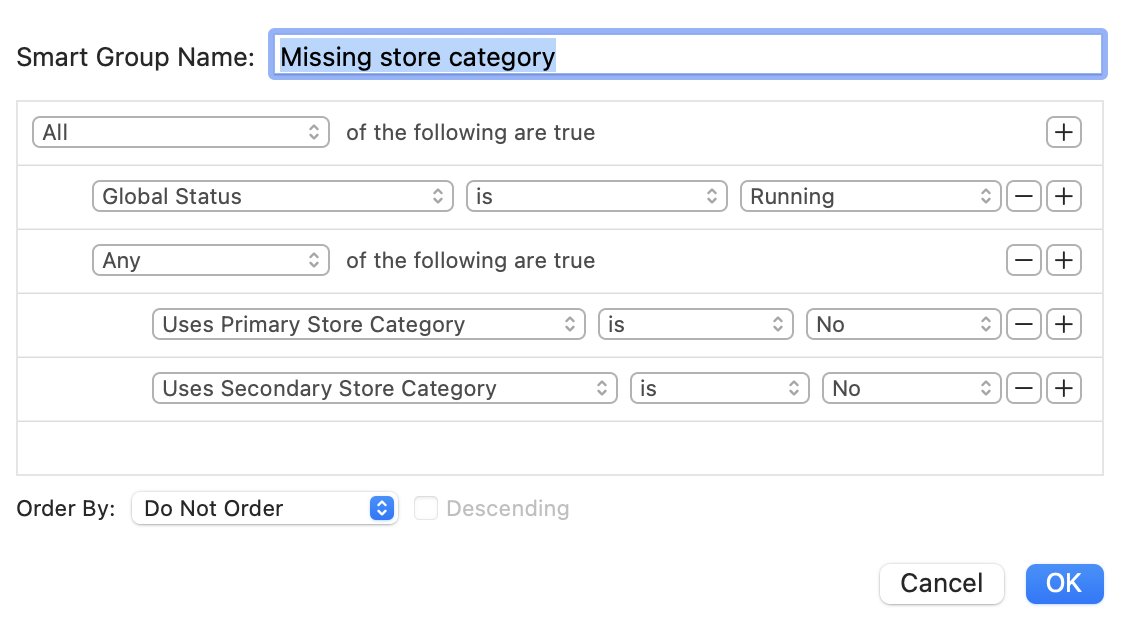
Finally, I notice that there’s no way to simply sort the general database view by Store Category #1/#2 and see it, because for some reason the broken listings are not showing as empty and (to be honest) I don’t know the name of the old categories no longer present.