I very rarely add 1 or 2 new listings directly through the main site or the main site mobile app (instead of creating them inside GarageSale app which I do use 99.9 percent of the time when adding a new listing). Sometimes I do create a listing with the main site app sometimes when away from my computer.
When I then want to import those 1 or 2 listings into GarageSale that I created outside of GS, I use the Import from Main Site option.
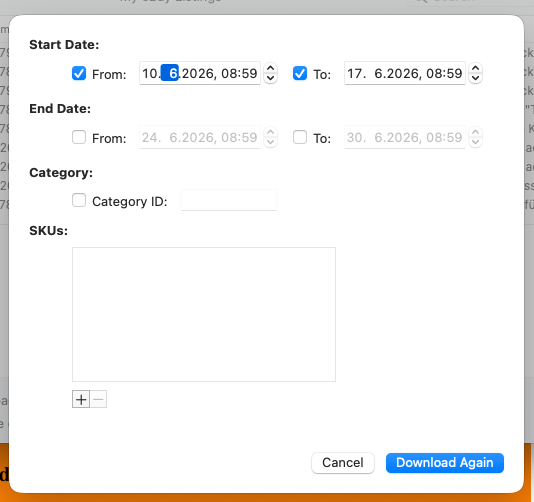
The current flow works, but it’s become quite slow because GarageSale automatically tries to load all of my listings’ data as soon as I open the import window. With hundreds (sometimes thousands) of active listings, this step takes a long time before I can even search for the specific item I want to import.
It would be incredibly helpful to have an optional “Quick Search Only” mode (or a simple checkbox/toggle) for the import dialog that:
-
Opens directly to a search bar instead of auto-loading the full listings dataset.
-
Lets me type in keywords, item number, title, etc., and fetches only the matching listing(s) on demand.
-
Avoids the heavy initial load when I already know exactly which 1–few items I need to import.
This would make the import process much faster and smoother for users like me who mostly create listings inside GarageSale but occasionally use the main site site/app for quick adds.
Thanks