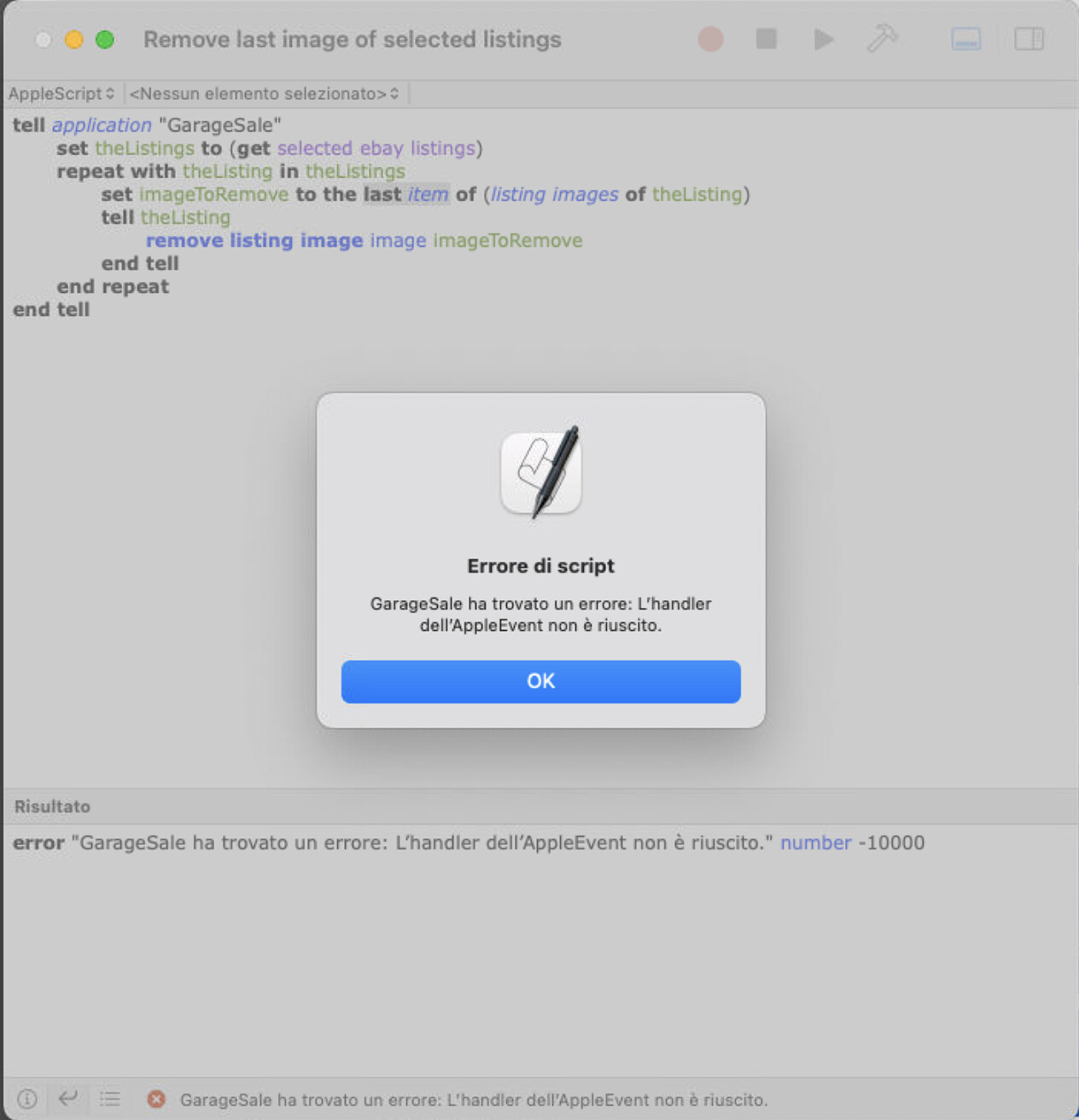
tell application "GarageSale"
	set theListings to (get selected ebay listings)
	repeat with theListing in theListings
		set imageToRemove to the last item of (listing images of theListing)
		tell theListing
			remove listing image image imageToRemove
		end tell
	end repeat
end tell
I have a file, open it and press play button (it does not work if I use the GS built in script editor). It worked, but lately I get this warning:
I don’t understand what I am doing wrong. Is there anyone who can help me? Also, is there a way to let it work in the GS built it script editor?
Thanks in advance for any help.
tell application "GarageSale"

repeat with theListing in (get selected ebay listings)

set imageToRemove to the last item of listing images of theListing

tell theListing

remove listing image image imageToRemove

end tell

end repeat

end tell
Strange, it works in GS 10, but in an older version I use on another machine (GS 9.9.2 (1715)) it keeps giving me that error. Can I export and send you the listing so you might check what’s happening? Thanks
I tried the script with old listings and it worked. However, it doesn’t with newer ones. It means that the type of image changes the script behavior. In other words, maybe the image type/size/title/??/…brings the error in the script. I will export and send you privately an example of listing so you can check for the bug. Please let me know if you need anything else from me in order to fix it. This is very urgent for me (I need to change the last image of all auctions since a change in postal service cost forced me to updated the last image which contains shipping cost table).
Can you maybe run the script in GarageSale 10 to edit all your listings and then keep working in GarageSale 9 for now?
GarageSale 10 and GarageSale 9 currently still share the same database if I am not mistaken.