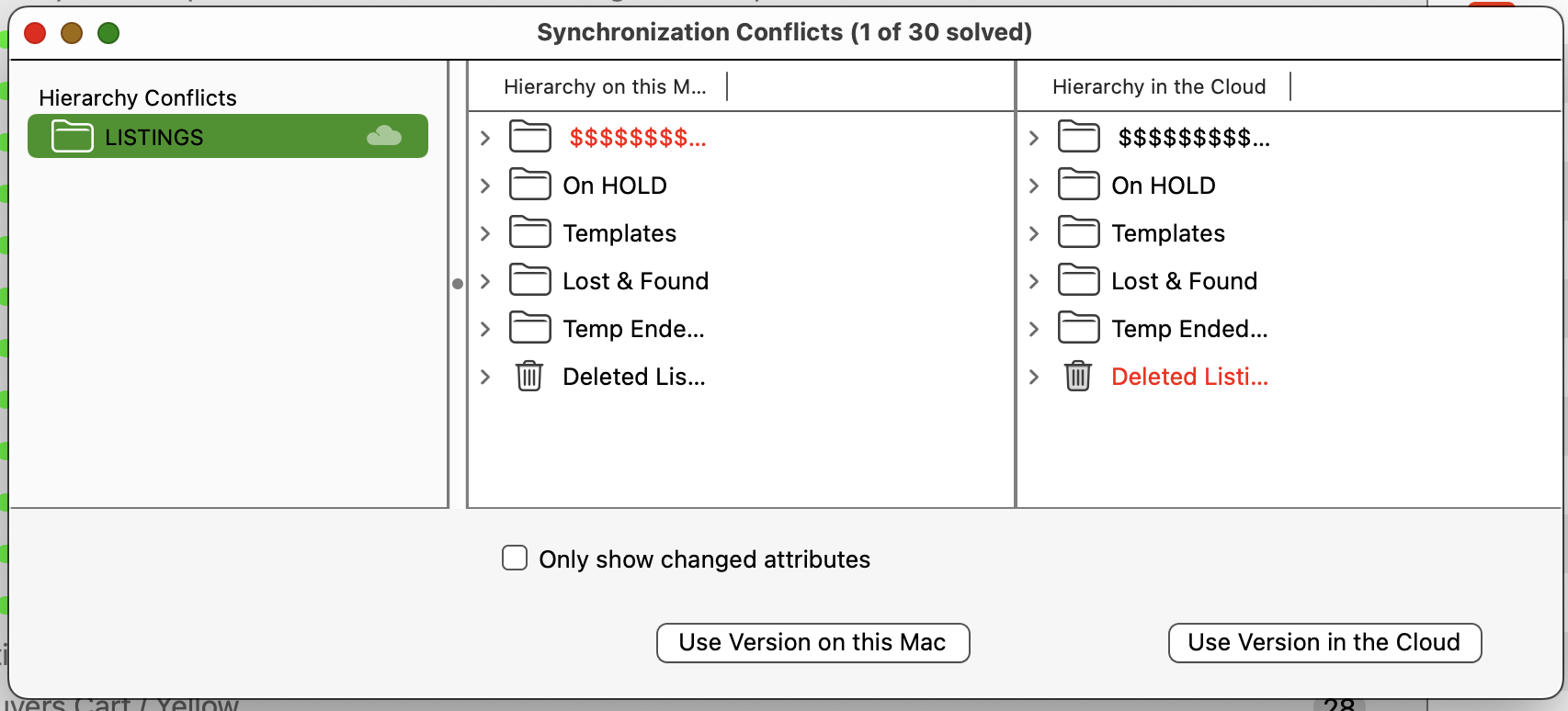
Sync issues. How do get 2 computers to be the same. I tell the first computer to sync now and it does. the second one says “synchronization conflicts” but won’t use the version in the cloud. What am I doing wrong? It just sits there and won’t sync to resolve the conflicts.
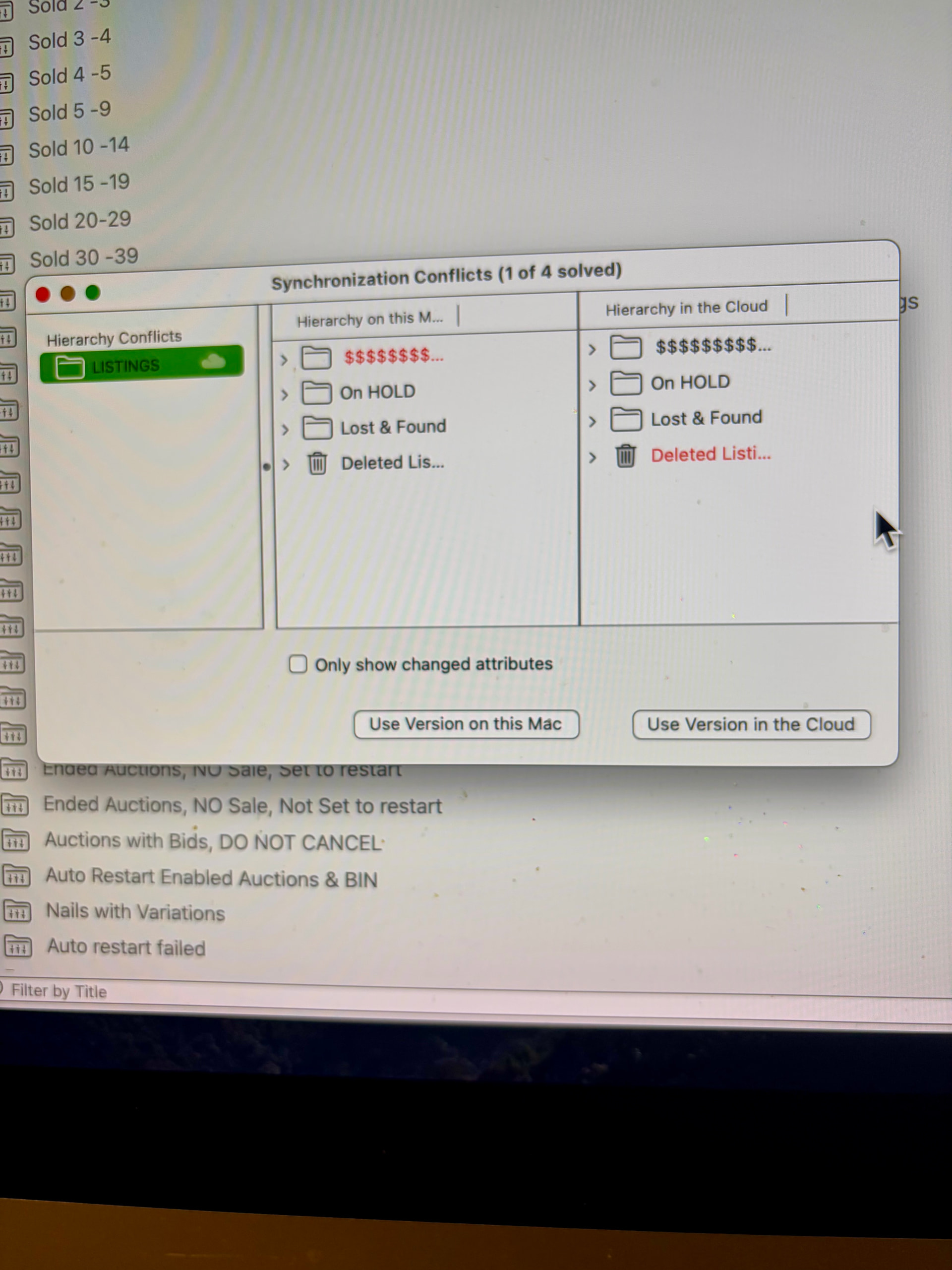
The longest I can keep 2 computer in sync is 24 hours. My main computer does 30 new listings and 30 ending listings and then I get at least 60 conflicts and am forced to end sync and download from the server all over again. I get sync and 24 hours later it is conflicted again when 30 listings end and 30 listings start. I tell the 2nd computer to use the cloud version but if their is (always) a hierarchy conflict is wont accept the changes
You probably need to re-do the whole synching setup. You have the same GarageSale version installed on both Macs and you get the synching conflicts on your second Mac only?
Here some points that can help avoiding issues:
• If several people are working with the same sync account at the same time, you should avoid deleting groups (folders) if they could be currently edited on another Mac.
• To avoid problems, we recommend that you only allow groups to be deleted on one specific Mac. On the other Macs it’s OK to move groups into the trash bin but don’t empty the trash there.
• Having each user have their own group and only make changes in that group is a good idea.
Both are running 10.0b6. Until I can get 2 computers to stay in sync I am using 1 computer. All changes and deletes are done on main computer. Everyday I redo sync to get rid of conflicts. Every day the 30 restarts and 30 ends all end up showing as 60 conflicts. The resolve conflicts every day can be fixed with download from cloud. Heirachy conflicts cannot be resolved unless I redo the sync every day. I pause sync as soon as they are in sync but as soon as main computer makes changes the second computer gets conflicted and needs redone every 24 hours.
I managed to stay synced for 48 hours. It seems the trouble starts when I forget to empty the trash in the main computer. Every one of the listings in the trash ends up conflicted on 2nd computer. There is never any way to repair all the 30 conflicted restarted listings so I have to stop sync, which instantly freezes the GS and shuts down GS. Upon restarting GS, I re-sync to the server to get back in sync for 24 hours or until I forget to empty the trash in #1 computer, which leads to the conflict of 30 restarted listings the next day
I had 6 hierarchy conflicts. GS wouldn’t reconcile them even tho I marked them to download from the cloud. 15 hours of sync later and the new copy is up on the cloud. Syncing needs some work. Every time listings are ended there are conflicts. Every time a weekly auction ends and relists they end up marked as a conflict in the hierarchy that cannot be reconciled.
Everything revolves around items in the trash and items that have been restarted. Keeping 2 computers in sync is very difficult
The trick to keeping in sync seems to be to trigger the “synchronize now” in the drop down menu after every change to listings. Every change in status from tag change, ending a listing, emptying trash, and restart or starting a listing must be uploaded to the server or a hierarchy or a “resolve conflicts” notice will pop and force a total disable sync and enable sync. I haven’t yet had the 7 day auctions hit yet which also force a total disable sync and enable sync. The empty trash process is definitely the time consuming process that takes 20 minutes to complete “synchronize now” for 30 listings.
You are correct about the length of time to empty the Trash. I have previously suggested the ability to set a scheduled time to do this (like overnight). Not sure I got a response from GS Admin about this.
David
1 Like
GS had a 4 day perfect streak going as I was manually triggering “synchronize now” after every changed listing. My fear was correct when the weekly 110 auctions ended and were set to restart. They cause a hierarchy issue that the second computer cannot resolve forcing a disable and enable sync.
There is something wrong in GS when it comes to relisting 7 day auctions. Everything works perfectly until my 2 batches of 7 day auctions come due. The relisted 7 day listings all get put in the “resolve conflicts” panel under hierarchy conflicts and GS can’t do anything with them. I tell GS to use the correct file on my Mac but GS never can resolve them.
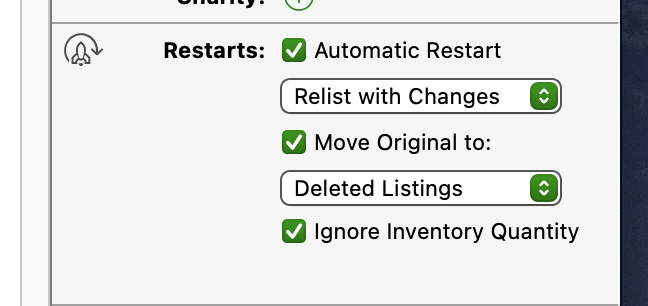
Can you describe more specific how these relisted listings are handled? e.g. are they or its originals moved to a different group?
I woke my computer from sleep and GC had 6 conflicts, all were 6 auctions that had ended overnight that were set to “Automatic Restart” for 7 day auctions. GS said 0 of 6 were resolved and 1 of 6 after I told it to resolve conflicts to “use the Version on this Mac”, not “use the version in the Cloud”. I did try to resolve all 6 but to no avail. Always says 1 of 6 no matter what I try. So I am now reloading a new copy to the cloud which is so far 6 hours and usually 12 or more hours to fix 6 hierarchy conflicts (and then another 12 hours or more to sync the second computer) which were the same 6 listings that restarted and automatically are placed in the trash.
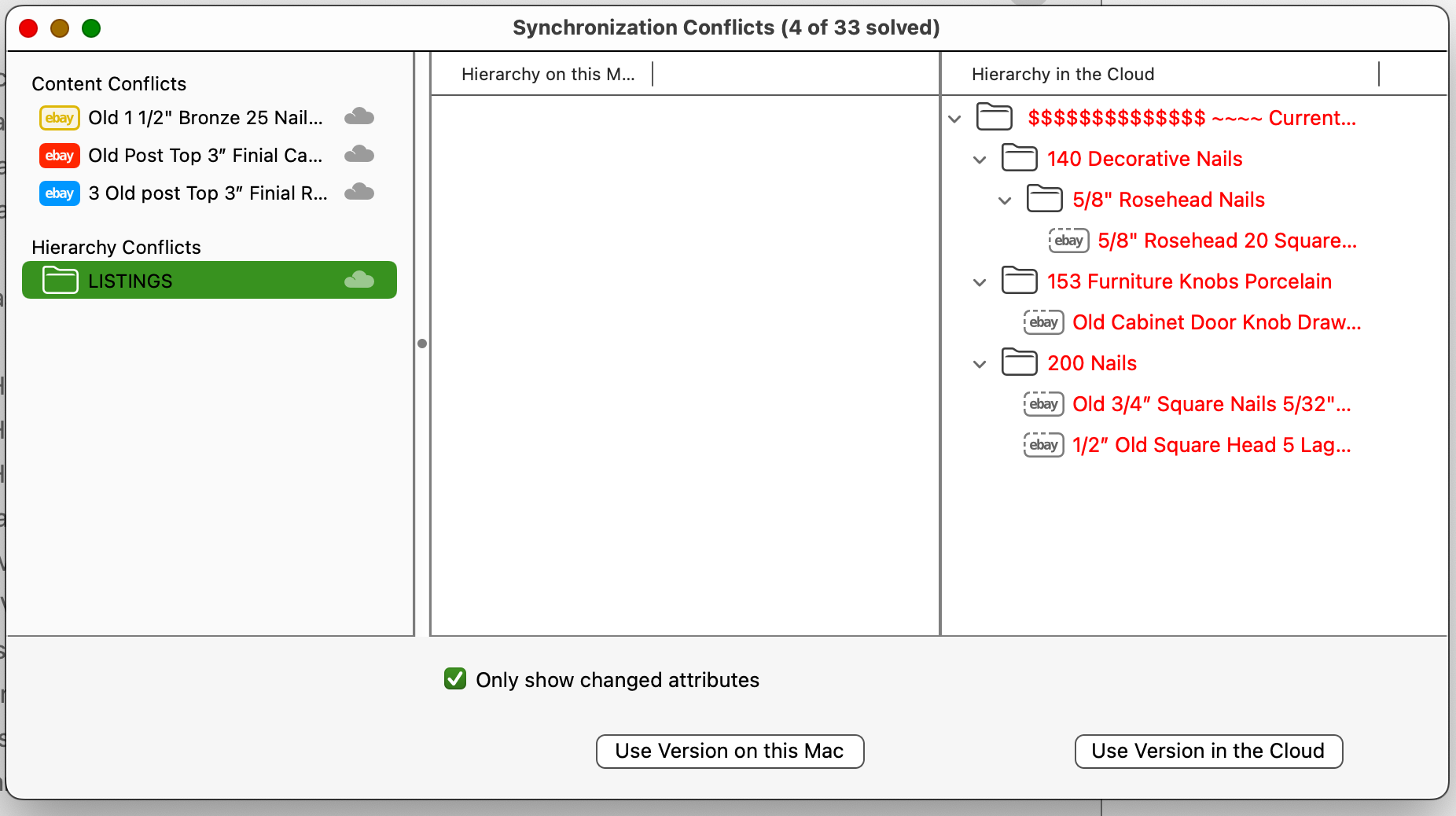
Any ideas how to resolve 33 Synchronization conflicts when there are only 4 possible conflicts? GS will stay log jammed until I do a new 18 hour synching setup
Did you already try if it makes a difference when the “Move Original to” option has NOT been checked?
Good idea. I created a new “ended Auctions” file as a temp stop before moving to the trash.
79 Auctions ended and were restarted overnight. All 79 went to the new “ended Auctions” file I created. All 79 “Automatic Restart” listings ended up “heirachy conflicted” on the 2nd computer. Perhaps the 2nd computer did this because it was in the middle of the 18 hour re-do of the whole synching setup. I will run a fresh 18 hour re-do of the whole synching setup and report back next week after the Auctions get relisted to see if this is a work around.
This doesn’t restart the listing. Even with the box checked the listings went to the temp file and would not restart.
I finally got through the 7 day relist period. I paused the sync on the second computer before the overnight 7 day listings came due to be restarted. After restarting, I emptied the “deleted listings” and then synced the second computer. The only hang up was all 144 listings that were restarted overnight ended up in the conflicted file and each needed to be clicked on to tell GS to use the cloud copy. There should be a way made to easily sync all the conflicts because individually clicking and scrolling down 1 at a time for 144 conflicts is terribly time consuming.
1 Like