The new update’s features are extremely useful, that’s a great change in the workflow! I just noticed this one below does not work if you change from “image overview mode” to “list overview mode”, is there a reason?
Seems like lots of work being done right now. Could this be addressed in the sync? Every day I end and relist 30 listings. Every day I get this notice. Every day I have to individually click (slowly because you can go faster than the computer) on each line item and resolve the conflict. Once a week 114 listings are ended and relisted by GS so that day I have to click 144 times at least. Can they be bulk solved? Accept all or a keyboard short cut doesn’t work. Add an “accept all changes” button? Thanks guys!
The conflict window already has a hidden “resolve all”: Option‑click “Use Version in the Cloud” applies it to every conflict
You should choose the Cloud version on your Mac B, because Mac A is the one doing the work. It would also help to turn auto‑restart off and on once on Mac A, so every listing’s restart setting is tied to that Mac.
I think I know what’s causing the conflict in the first place and hope I’ll be able to come up with a long term fix.
WOW! That works perfect. I tried everything I could with no effect but that was the trick. Resolving is now a breeze. Adding a button may be easier to navigate for others in the future with the same issue.
Little suggestion: as the “condition” column added to Listing overview table, I suggest (if possible) to add also selected profiles, especially shipping profiles. That would be extremely useful to reorder listings by selected shipping profile.
actually payment profile has no longer sense and I think also the return one, since it is handled in bulk for all items from settings. However, shipping profiles are very useful and it would be great to reorder listings by shipping profile.
Does ebay still force users to add a payment profile?? I would not be surprised…
The short cut for using the option key to solve conflicts is so great I actually look forward to seeing the conflict panel so I can use one click and “use version in the cloud”. It is no longer a dreaded pop up!
In GarageSale 10.2 we added a ‘Shipping Profile’ column to the overview table, as requested.
Also, listing titles can be changed from overview table, as well.
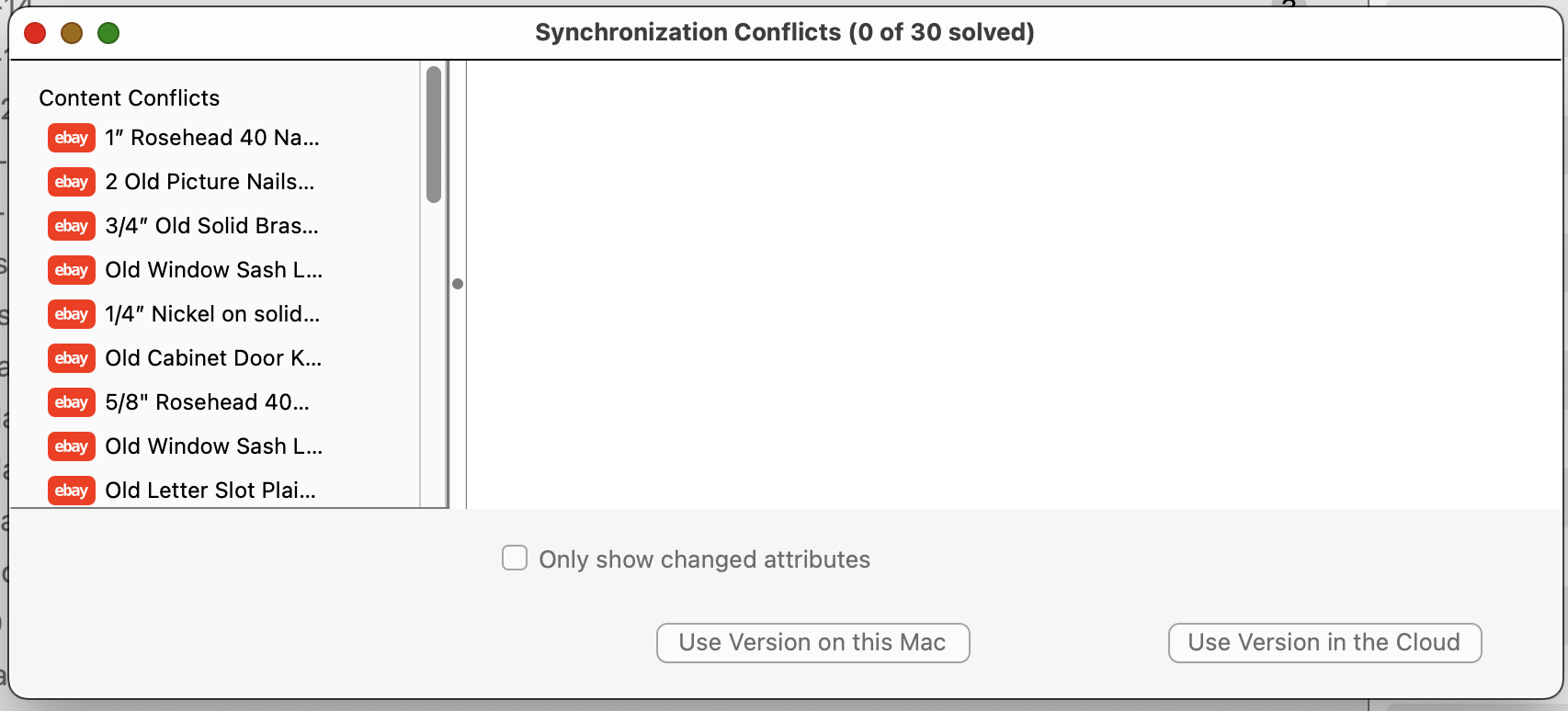
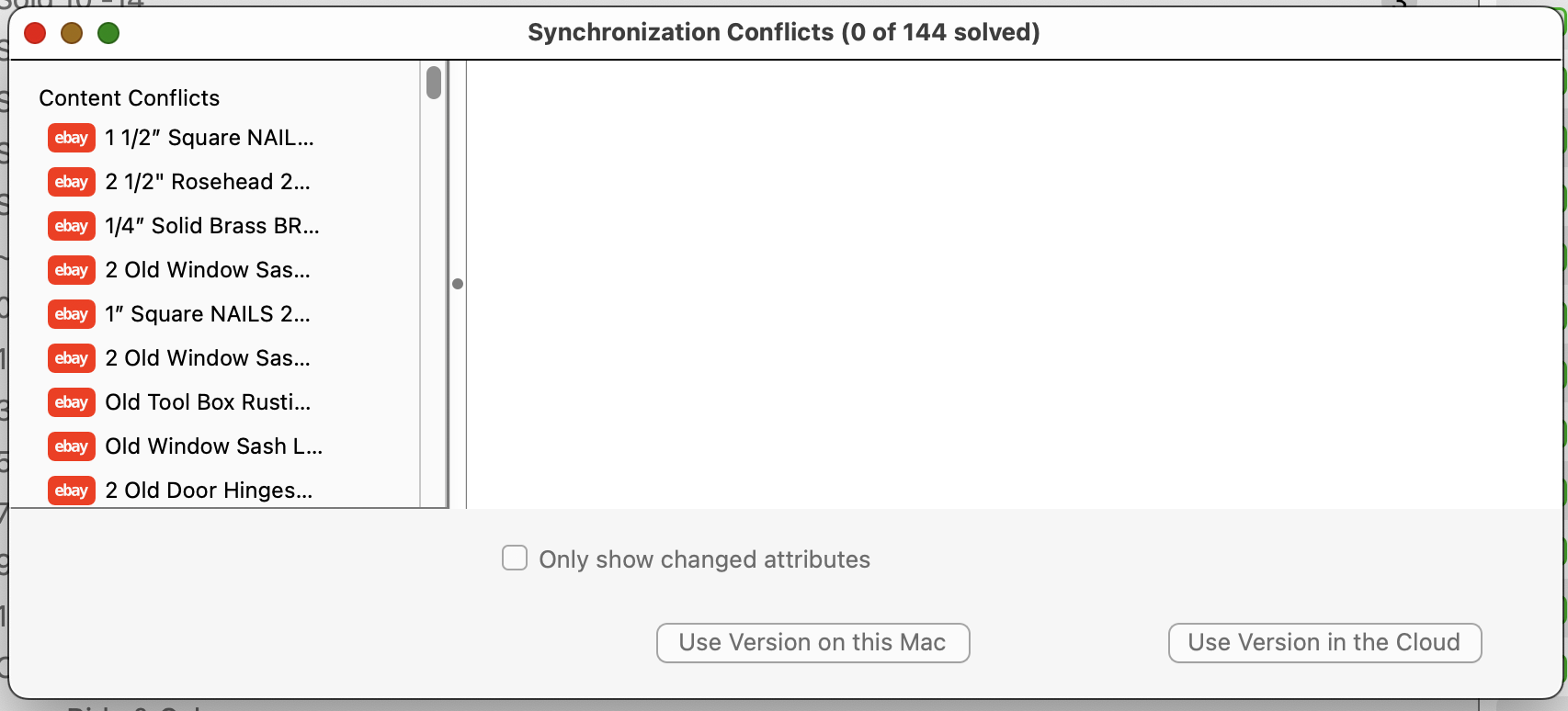
 That works perfect. I tried everything I could with no effect but that was the trick. Resolving is now a breeze. Adding a button may be easier to navigate for others in the future with the same issue.