Is the 28.15GB being used by GS only? [eg: GarageSale is in the Process Name column, and just to the right is how much memory it is using], or your total Memory Used as the bottom center shows?
I rarely use the Live tab/mode in GS, so for me, Safari versions do not matter, but I know that if you do use Live, it apparently does have some impact. I just normally keep Safari open in another screen [I have a 2 monitor setup, but on my laptop, I just keep them side by side]. Once I list something, I don’t check the listing; I just use Safari to research prices or get info about the item I am selling. I know we all have different ways to list, etc - just saying how I use Safari. 
I have OpenCore Legacy Patcher on my 2015 11” Core i7 MacBook Air, so it can run a macOS version greater than 12.7.6. I’ve had no issues with it, but I fully understand if that is something you resist. I would read the documentation and understand how one can roll back and such, as for me, it is not that big a deal to roll back if things are not working after patching. Depending on the model of Mac you have, there may be certain known limitations to the patcher [eg: graphic support etc]. Again, the website explains stuff very well, and for me, it has extended the life of several older Macs.
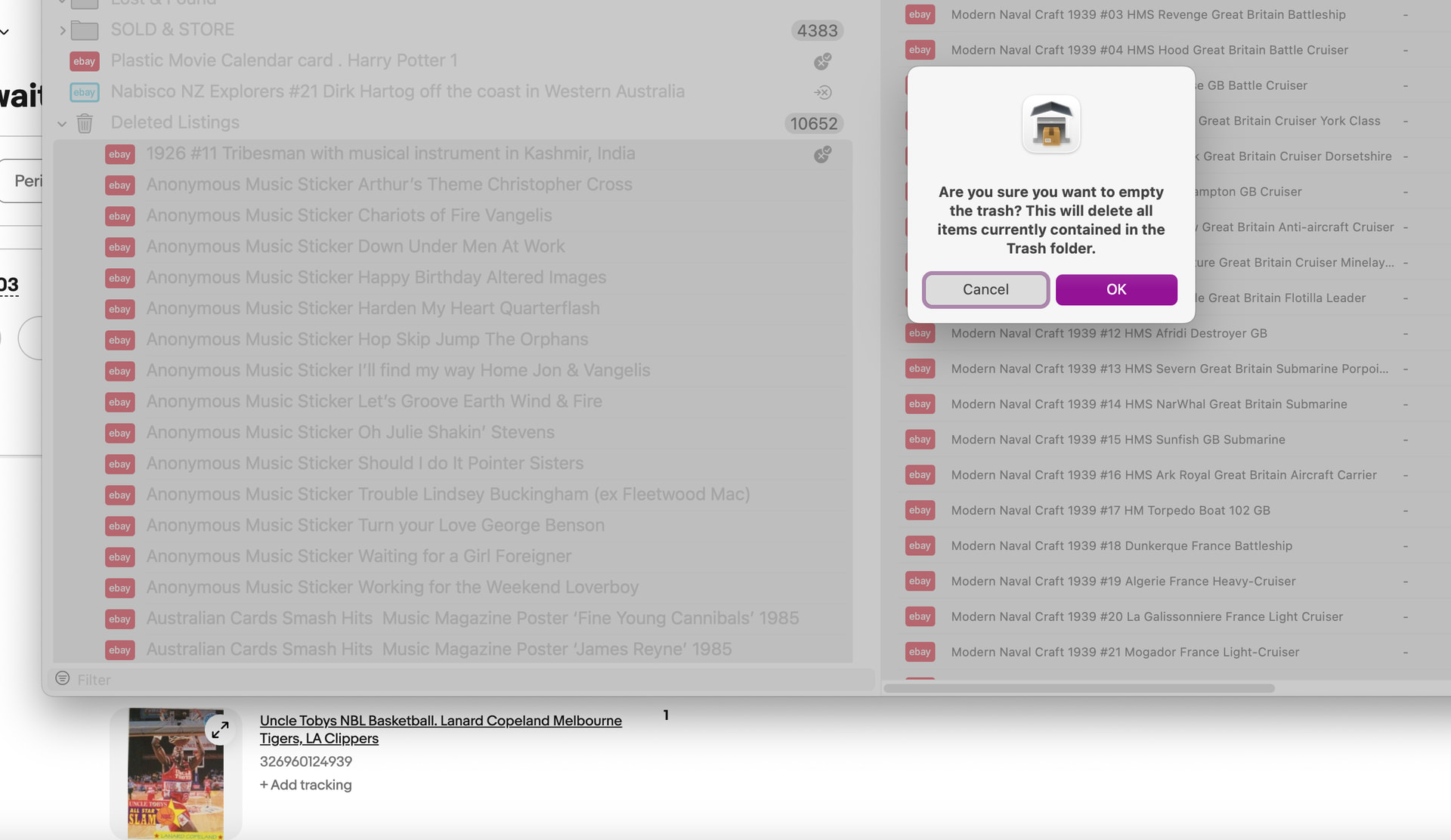
macOS “Empty Trash Automatically” is a great feature for those not used to emptying their trash, as it deletes files older than 30 days. GS does have a listing scheduler built in, but I think creating a schedule for the trash would take some time. One way, IMO, to help remind someone to empty the trash is to keep it open - when one notices their scroll bar getting super tiny, then it’s probably a sign that the trash has tons of stuff in it.
25 apps running in your Dock may be putting some pressure on your system - if you have 28GB used total, and 32GB is installed, I would look at Activity Monitor and see what the top few memory hogs are [clicking the memory column will sort by most used/least used]. The graph at the bottom of Activity Monitor, when memory is selected, should hopefully be green, not yellow-ish orange. Also Swap Used at the bottom of the window should hopefully be 0 or very near 0.
If the top app using the most memory is quit, does GS beachball still? It might be worth slowly quitting each app shown in the Memory view to see which one might be using enough memory that it is causing GS to beachball. Assuming that other apps are beach balling too, if memory is running low?
 |
|